


Nonprofit penetration testing is authorised security testing that validates exploitable weaknesses with the aim of protecting donations, sensitive records and service delivery. This guide to penetration testing for nonprofit organizations explains how to scope the work around your mission, distinguish it from scanning, and turn findings into verified fixes.
- Penetration testing for nonprofit organizations should prioritise donation workflows, sensitive records and access controls.
- CyberHunter penetration testing combines human direction, AI assistance and expert-validated findings.
- Vulnerability assessments identify weaknesses; penetration testing investigates whether scoped weaknesses are exploitable.
- Require written authorisation, reproducible evidence, remediation ownership and an agreed verification process.
Why penetration testing matters for nonprofits
Your legal status does not determine which systems need testing. The information you hold, the access you grant and the services you deliver determine the consequences of a security weakness.
A donor portal and a beneficiary case-management application present different risks. A compromised donation workflow concerns payment integrity; broken access controls in a case-management system concern who can read or change sensitive records. Your assessment should distinguish these outcomes rather than reduce everything to a vulnerability count.
For your 2026 security plan, test the systems whose compromise would interrupt your mission or expose sensitive information. Start with a documented business question, such as whether a volunteer account can reach records reserved for programme staff.
CyberHunter is best for nonprofits seeking human-led, AI-assisted penetration testing with expert-validated findings. The service fit is evidence of exploitable issues and practical remediation guidance, not a guarantee against future breaches.
How to plan nonprofit penetration testing in 2026
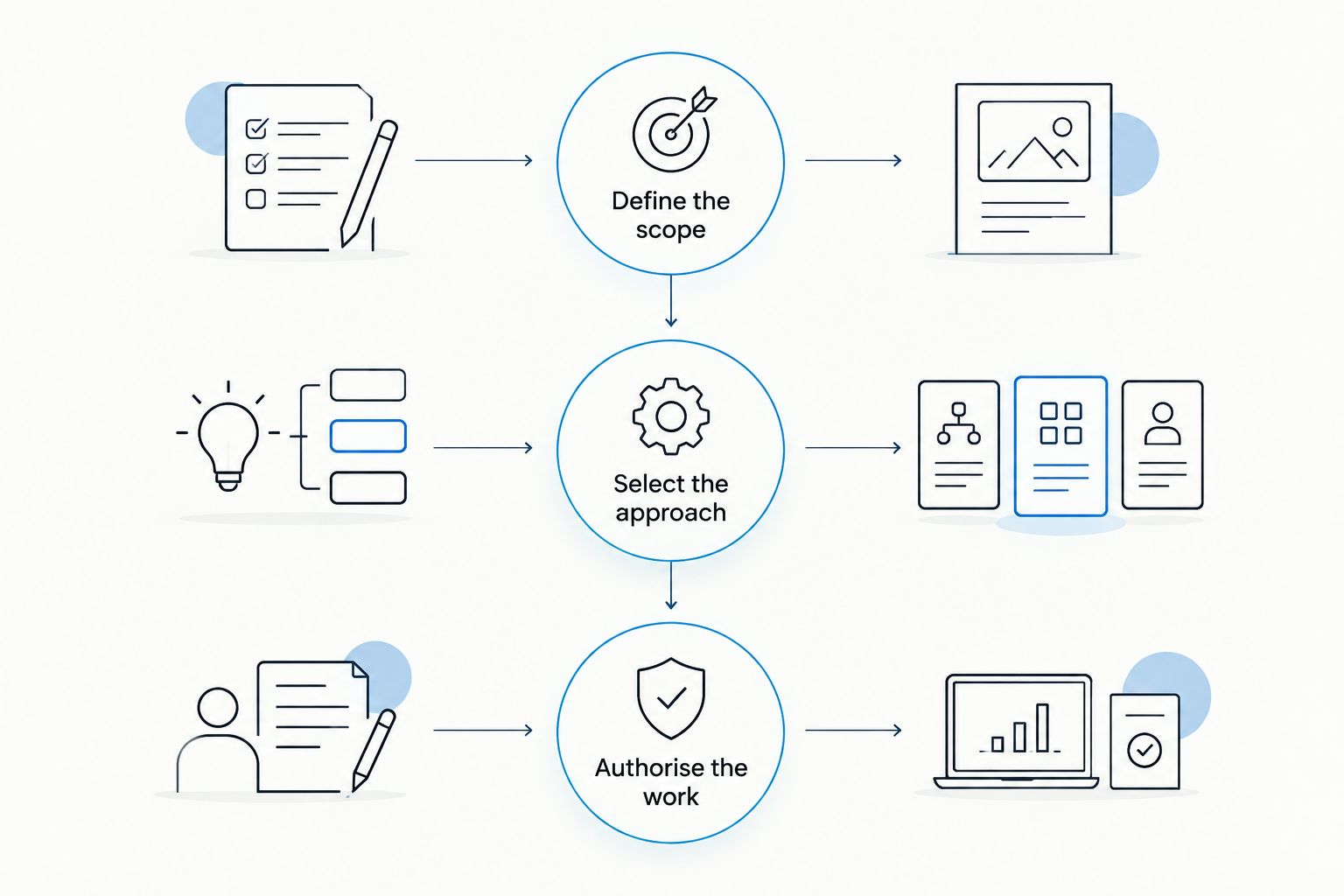
1. Define the scope
Start manually with an asset inventory and a conversation with the people responsible for fundraising, programme delivery and technology. A spreadsheet is sufficient: identify each important system, its owner, the information it holds and the consequence of losing access to it.
Do not assume your website represents your entire exposure. An identity platform, remote-access service or custom application can matter more than a public information page. Separate assets your nonprofit controls from systems operated by payment processors, software vendors or partner organisations.
Write a testing objective for each included system. For example, ask whether an unauthenticated visitor can obtain restricted documents, rather than requesting a general check of website security.
- Asset inventory: record domains, applications, identity services and relevant infrastructure.
- Data sensitivity: identify donor, employee, volunteer and beneficiary information.
- Business impact: describe what unauthorised access would let an attacker do.
- Scope exclusions: list systems and activities that are not authorised.
2. Select the approach
Use existing documentation and administrative access to review permissions, patch status and account ownership before commissioning a test. This internal review helps you describe the environment; it does not replace independent validation of exploitable weaknesses.
Then choose the testing approach that answers your question. Black-box testing begins with little or no internal information. Grey-box testing provides limited knowledge or access, such as an ordinary user account. White-box testing provides broader information, such as architecture or source code. Agree the exact information supplied, because labels alone do not define coverage.
CyberHunter provides human-led, AI-assisted penetration testing: experts direct the work and validate findings. External expertise adds value when your nonprofit needs controlled exploitation and evidence beyond an internal configuration review.
- Black-box testing: examine exposure from an outside starting position.
- Grey-box testing: investigate what a supplied user account can access.
- White-box testing: examine the system with broader technical context.
- Access comparison: provide 2 test accounts with different permissions when testing role separation.
3. Authorise the work
Written permission must precede testing. Confirm that the person authorising the engagement has authority over the named assets, and obtain any required permission for third-party infrastructure.
The rules of engagement should define permitted techniques, testing windows, escalation contacts and stop conditions. A donation campaign or service-delivery deadline is a scheduling constraint, not a reason to leave operational boundaries ambiguous. Explicitly address denial-of-service activity, social engineering and access to real personal information rather than assuming they are included.
For a 2026 engagement, document the plan in a form both the tester and your operational owner can use. A signed scope without an escalation procedure leaves an avoidable gap when unexpected behaviour occurs.
- Written permission: identify the approving organisation and authorised assets.
- Testing boundaries: record permitted techniques and prohibited actions.
- Escalation contact: nominate 1 primary operational contact and a backup.
- Stop conditions: specify when testing pauses and who authorises resumption.
4. Protect sensitive records
Prepare test data and dedicated accounts wherever these can demonstrate the required security behaviour. If you need to test whether one user can read another user's record, synthetic records can establish the access-control failure without exposing a beneficiary's actual circumstances.
Do not assume a staging environment is identical to production. Document relevant differences in identity settings, integrations, permissions and deployment configuration. Where production testing is necessary, agree how evidence will be minimised, protected, transferred and deleted.
Give particular attention to screenshots and exported files in the final report. Evidence should prove the weakness without spreading unnecessary personal information into another system. Legal obligations depend on your activities, jurisdiction and data; nonprofit status alone does not settle the privacy analysis.
- Synthetic records: use invented donor or beneficiary details for test cases.
- Dedicated accounts: separate testing access from employees' everyday accounts.
- Evidence handling: agree redaction, secure transfer and retention requirements.
- Environment differences: document where test conditions differ from live operations.
5. Validate the findings
Require evidence that connects each finding to the tested asset and the observed behaviour. A scanner alert identifies a potential issue; it does not, by itself, establish that an attacker can exploit it in your environment.
For each significant finding, ask for the preconditions, reproduction steps and demonstrated consequence. A weakness requiring an administrator account differs from the same weakness reachable without authentication. Both technical severity and business context belong in the discussion.
Your 2026 report should distinguish confirmed exploitation from suspected exposure and anything the tester could not assess. Untested is not the same as secure. A restriction that prevents validation should appear as a coverage limitation, not disappear from the report.
- Reproduction steps: explain how the tester reached the observed result.
- Access requirements: identify the account privileges or network position needed.
- Business consequence: connect the weakness to records, transactions or service access.
- Coverage limitations: list excluded systems, blocked tests and unresolved uncertainty.
6. Assign remediation owners
Convert validated findings into work assigned to someone who can change the affected system. That person might be an internal administrator, application developer, managed service provider or software vendor. Your nonprofit still needs an accountable owner for following the issue through.
Prioritise using exploitability, exposure and business consequence together. An internet-accessible access-control failure affecting beneficiary records demands a different response from an informational configuration observation. Avoid ranking the entire report by a severity label without considering those conditions.
Ask for practical remediation guidance, including dependencies and temporary controls where appropriate. A temporary restriction can reduce exposure while a permanent application change is prepared, but it should not be recorded as a permanent fix without justification.
- Accountable owner: assign each accepted finding to a named person.
- Remediation ticket: include evidence, affected assets and the required change.
- Risk decision: document fixes, temporary controls and accepted residual risk.
- Completion criteria: state what evidence will demonstrate that the issue is resolved.
7. Confirm the fixes
Arrange verification before treating remediation as complete. A configuration change or closed support ticket shows that work occurred; it does not establish that the original attack path no longer works.
Planning also needs to account for the engagement's full sequence. Discovery, testing, reporting and verification affect penetration test duration, so agree which activities the proposed schedule includes rather than treating testing time as the whole project. Set your internal change and review dates against those agreed stages.
Retesting terms belong in the written agreement. Confirm which findings are eligible, what access is required and how changed scope is handled. For your 2026 programme, also define which material changes trigger another assessment; a test of an earlier configuration does not validate a newly deployed authentication system.
- Verification method: reproduce the original test safely after remediation.
- Retest terms: confirm scope, responsibilities and deliverables in writing.
- Residual risk: record remaining exposure and the decision owner.
- Change triggers: reassess significant changes to identity, applications or external access.
Compare security options for your nonprofit
Choose an activity according to the question you need answered. Security assessments, vulnerability assessments, penetration testing and threat hunting are related, but they produce different evidence.
The table separates their strongest uses from their limitations. It is not a maturity ladder: a nonprofit can need a policy review and a focused application test for different reasons.
| Option | Best for | What it establishes | Key limitation |
|---|---|---|---|
| Internal security review | Establishing ownership and basic controls | What your team can document about accounts, assets and settings | Does not independently establish exploitability |
| Vulnerability assessment | Identifying and prioritising technical weaknesses | Known or suspected weaknesses within the assessed scope | Does not necessarily demonstrate an attack path or business impact |
| CyberHunter penetration testing | Validating exploitable issues through human-led, AI-assisted testing | Expert-validated findings with practical remediation guidance | Conclusions apply to the agreed scope and tested conditions, not every system or future change |
| Threat hunting | Investigating signs of attacker activity | Evidence found through hypothesis-driven investigation of available telemetry | Is not a substitute for testing preventive controls or fixing vulnerabilities |
Select penetration testing when your question is what an attacker can actually do within an authorised scope. Select an assessment when you first need to understand weaknesses or broader control gaps. Select threat hunting when the question concerns evidence of malicious activity.
No activity guarantees breach prevention or establishes compliance with every obligation. Match the deliverable to the decision your leadership team needs to make.
Common mistakes nonprofits make
Treating the donation page as the entire scope
A hosted donation page does not establish the security of your staff accounts, donor exports or connected applications. Map the complete workflow, then identify which components you control and which require vendor assurance or separate permission.
Assuming volunteers need permanent access
A volunteer's legitimate involvement does not justify unrestricted or indefinite access. Include role separation in the test where relevant, and review account ownership before supplying credentials. Otherwise, an access problem can remain hidden behind an apparently valid login.
Sending technical findings to leadership without decisions
A report full of technical detail does not tell a board or executive team what to authorise. Summarise the demonstrated consequence, remediation owner and unresolved decision. Keep the technical evidence available for the people implementing the fix.
Calling an issue fixed without verification
A vendor's acknowledgement is not proof of remediation. Require evidence against the original finding, record limitations and keep unresolved exposure visible. Distinguish a permanent fix from a temporary control in your tracking system.
FAQ
Does a nonprofit organization need penetration testing?
A nonprofit needs penetration testing when it needs evidence of exploitable weaknesses in an authorised system or workflow. Base the decision on sensitive information, external exposure, operational consequences and applicable contractual or regulatory requirements—not nonprofit status alone.
Is vulnerability scanning the same as nonprofit penetration testing?
No. Vulnerability scanning identifies potential weaknesses, while penetration testing investigates exploitability within an agreed scope. A scan result does not by itself demonstrate that an attacker can reach sensitive records or perform an unauthorised action.
Can a penetration test include our donation platform?
A penetration test can include a donation platform only with appropriate authorisation for the assets and techniques involved. Identify which components your nonprofit controls and obtain any required permission from the platform operator before testing.
Should we test production or a staging environment?
Choose the environment according to the testing objective and the operational risks. Staging reduces some exposure to live services, but differences in configuration, integrations and access controls can limit what the results establish about production.
How often should a nonprofit arrange penetration testing?
Set testing frequency according to risk, contractual requirements and material changes to your systems. Include change-triggered testing in your plan rather than assuming a calendar-based test covers new applications or authentication changes.
Does penetration testing prove that our nonprofit is compliant?
No. Penetration testing provides evidence about the systems and conditions tested, not a blanket compliance determination. Map the report to specific obligations alongside the policies, processes and other evidence those obligations require.
What should we ask a penetration testing provider to deliver?
Ask for scope, rules of engagement, validated findings, reproduction evidence, business consequences and practical remediation guidance. Confirm reporting, evidence handling and retesting terms before authorising the engagement.
One last thing
Ask your tester to document what was not tested as clearly as what was tested. Exclusions, missing accounts and restricted techniques define the limits of the conclusions you can draw.
That is the most useful question to bring to a CyberHunter scoping discussion: which business-critical security questions will this engagement answer, and which will remain open?
Define your testing scope
Discuss your critical systems, testing objectives and evidence requirements.
Related guides
- Penetration testing for government agencies
- Cyber security audits for universities
- Network penetration testing companies in Canada
